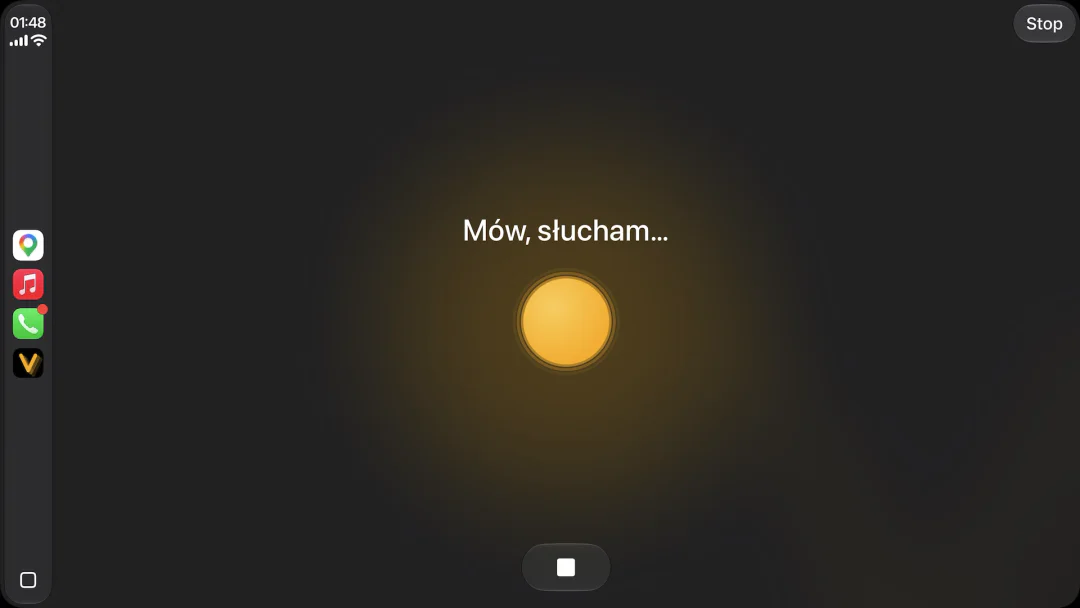
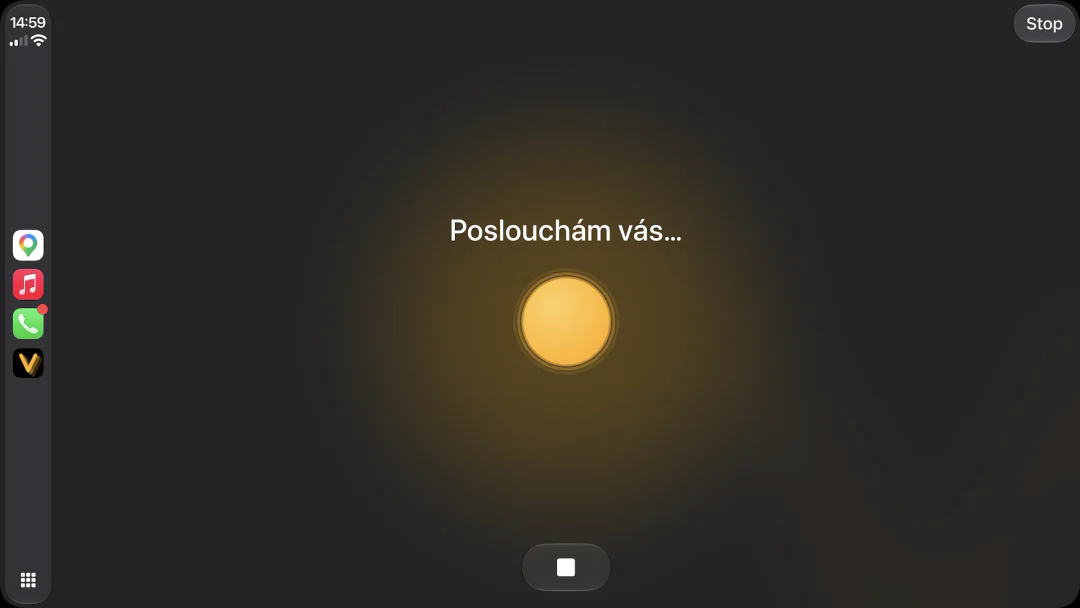
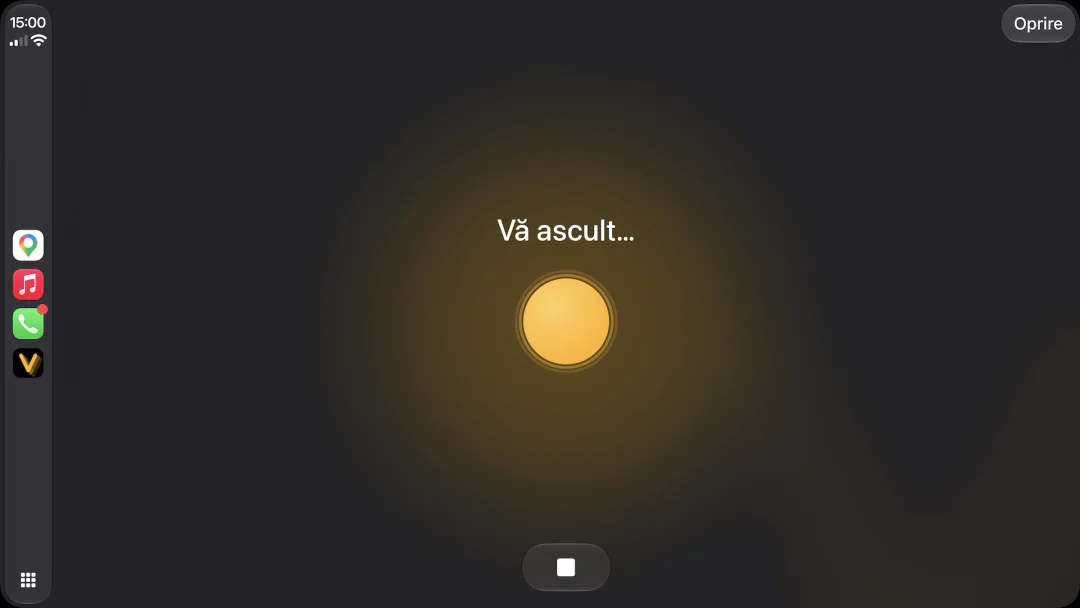
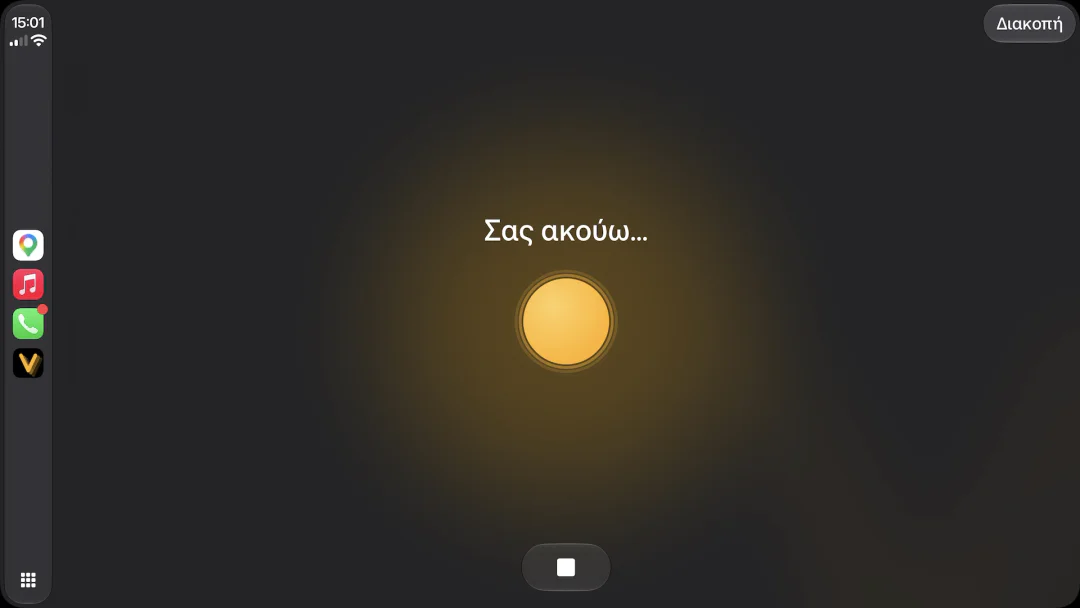
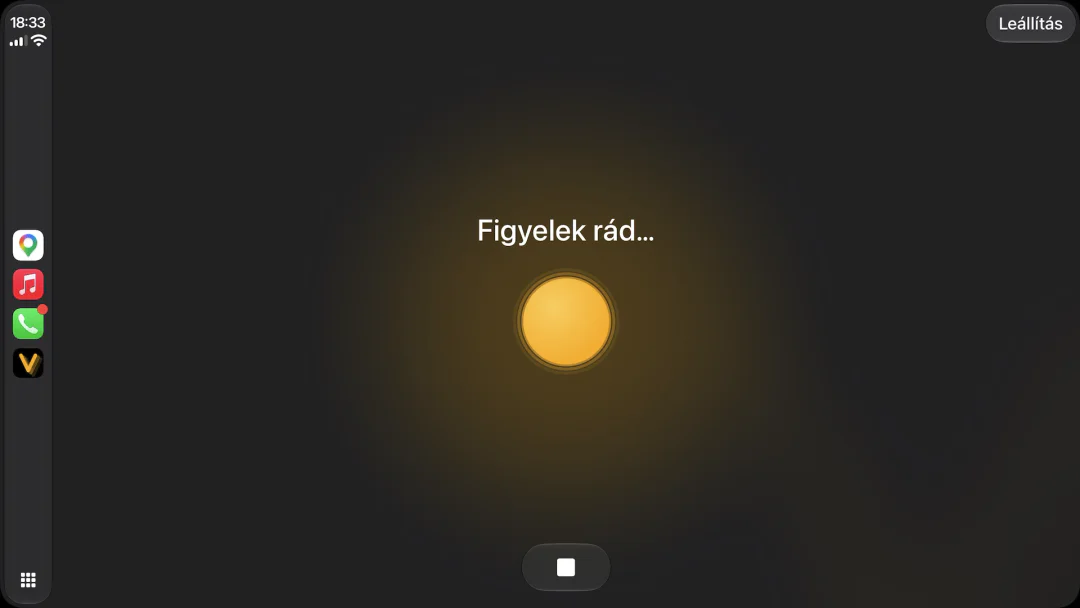
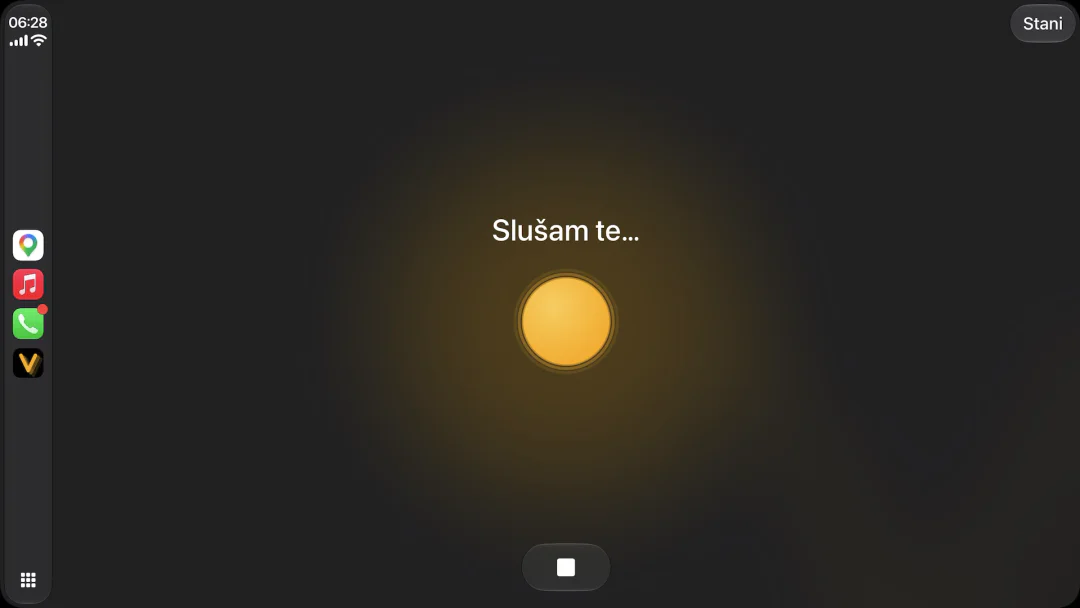
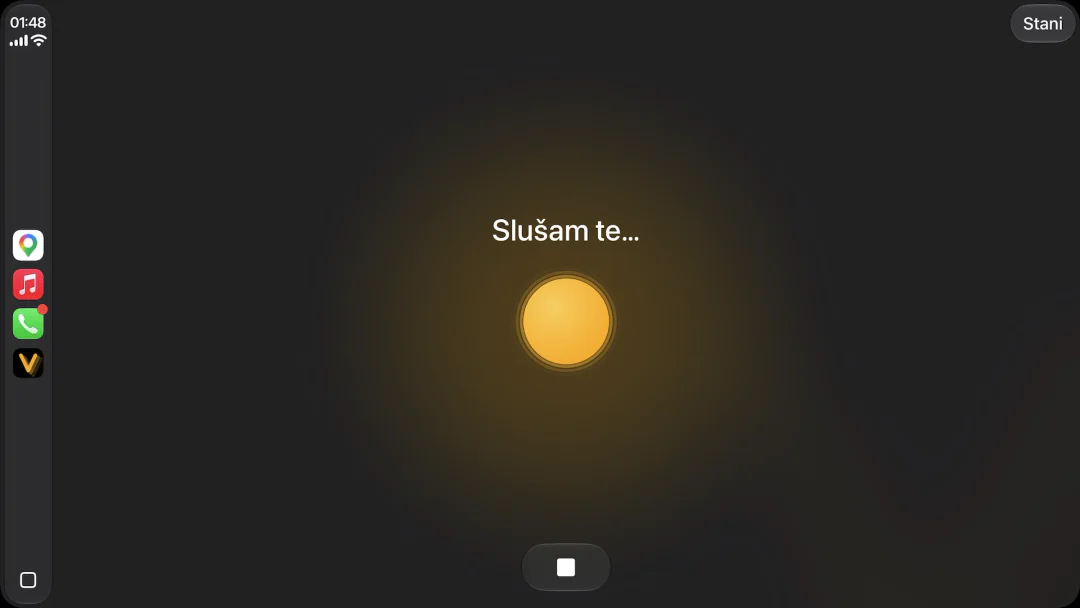
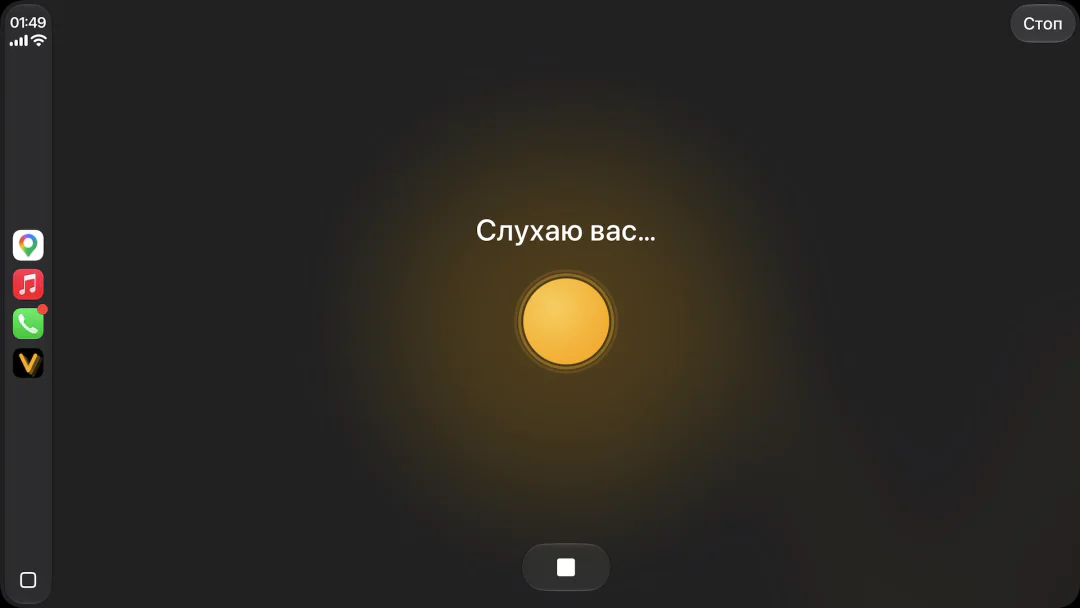
Siri doesn’t speak Polish. Viavo does.
Siri doesn’t speak any of these eight. Viavo speaks all of them.
PolskiPolish
ČeštinaCzech
RomânăRomanian
ΕλληνικάGreek
MagyarHungarian
HrvatskiCroatian
SrpskiSerbian
УкраїнськаUkrainian
AI assistant for CarPlay
Routes with a stop, calls, messages, music and radio. Press one button and say it the way you would to a person, in any of 28 languages.

 Scan with your iPhone
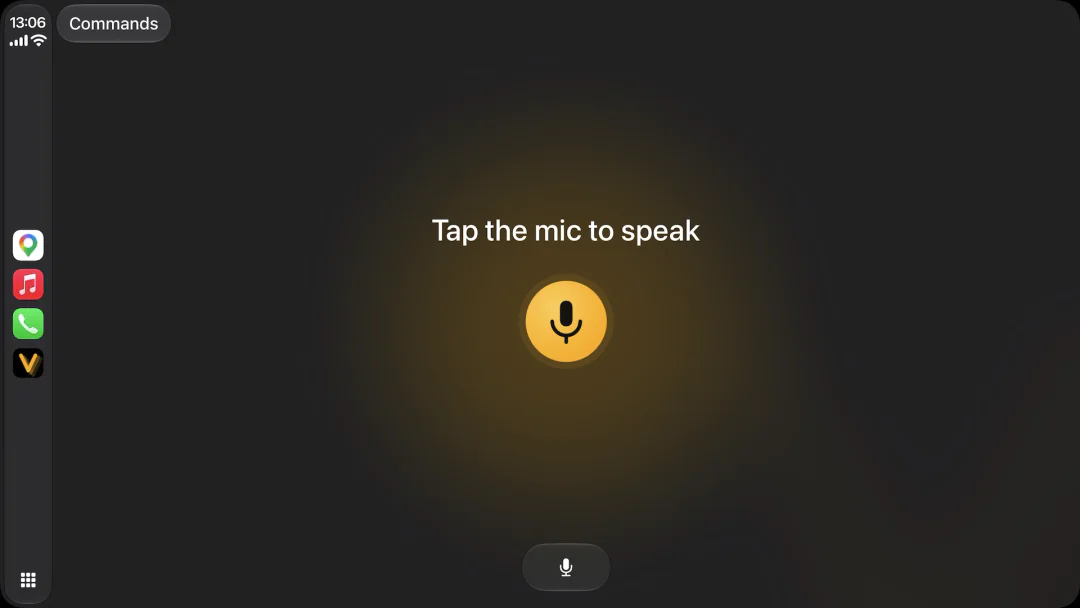
Siri doesn’t speak any of these eight. Viavo speaks all of them.
One button, and Viavo handles the route, places on the way, music, calls, messages and your questions out loud, so your eyes stay on the road.
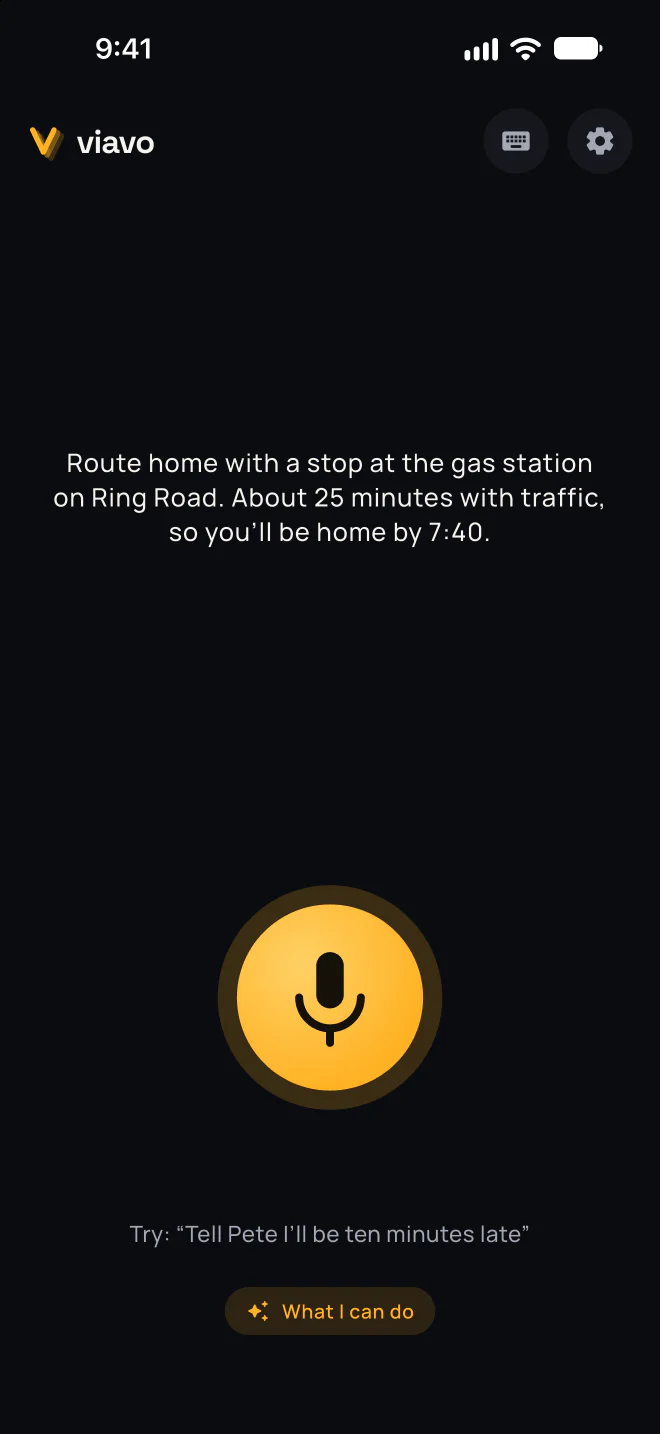
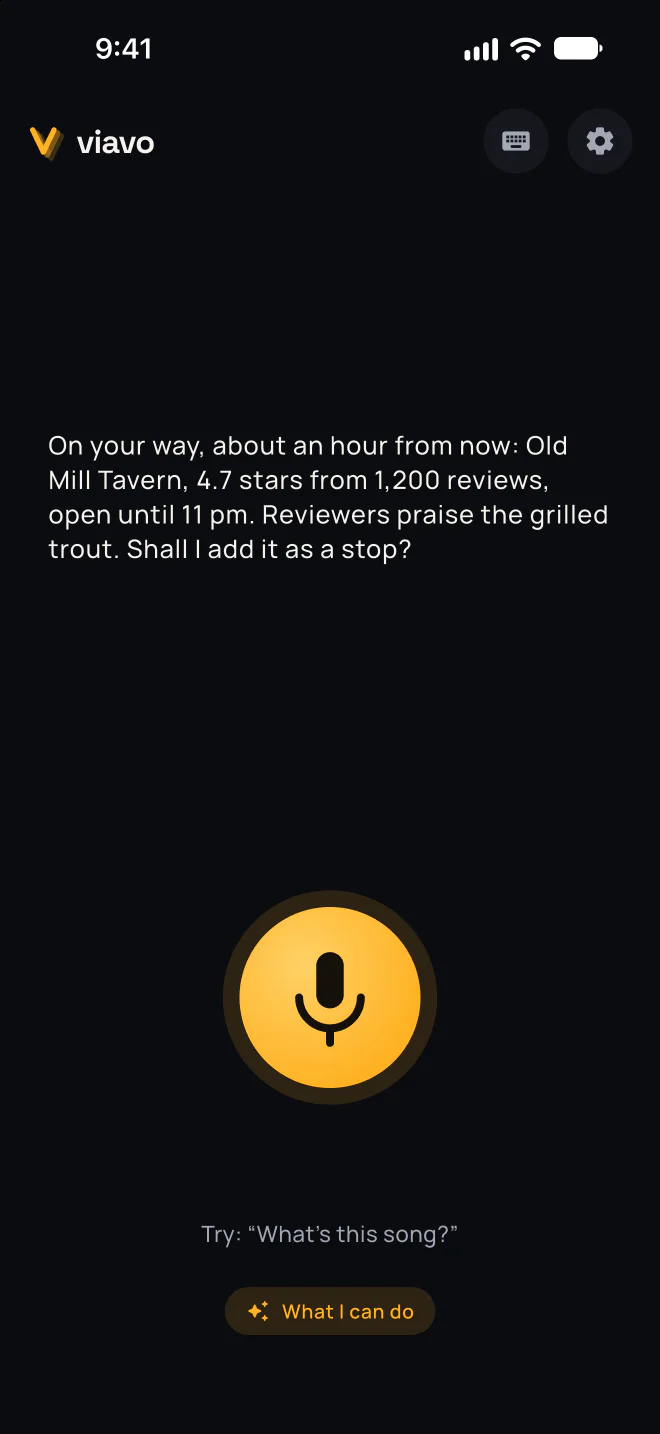
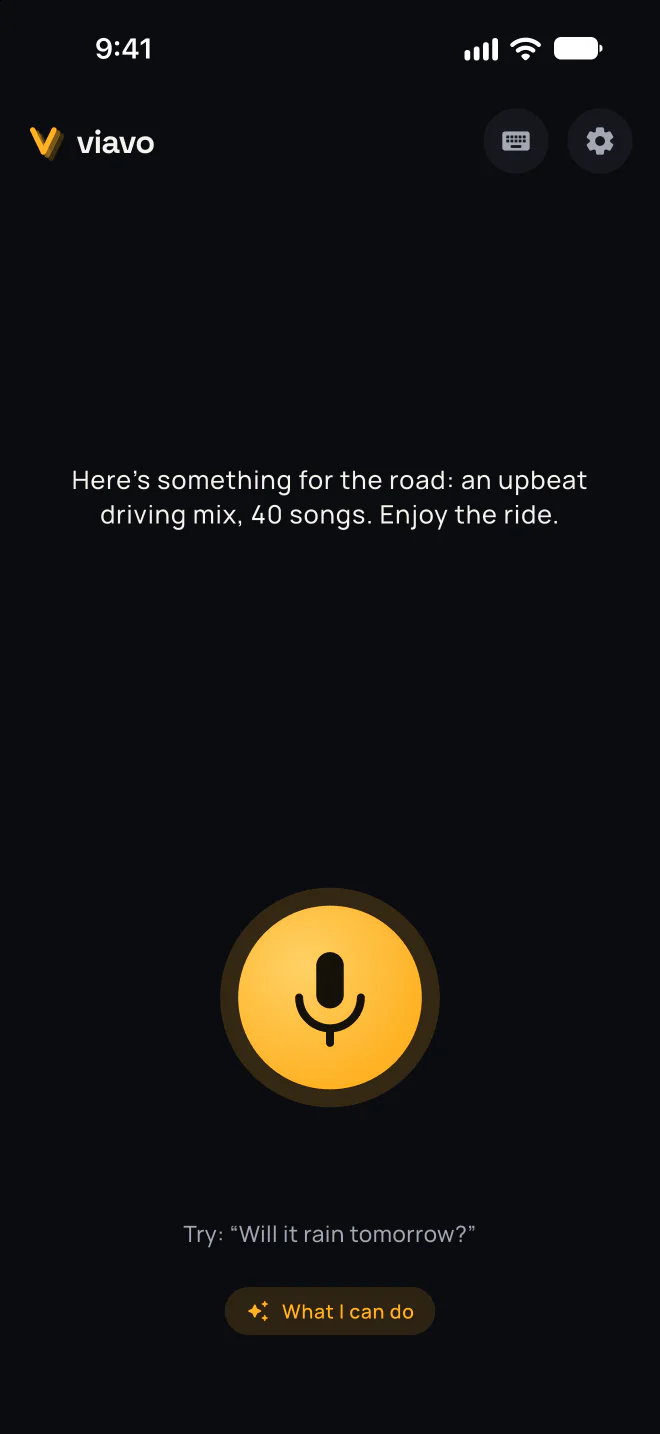
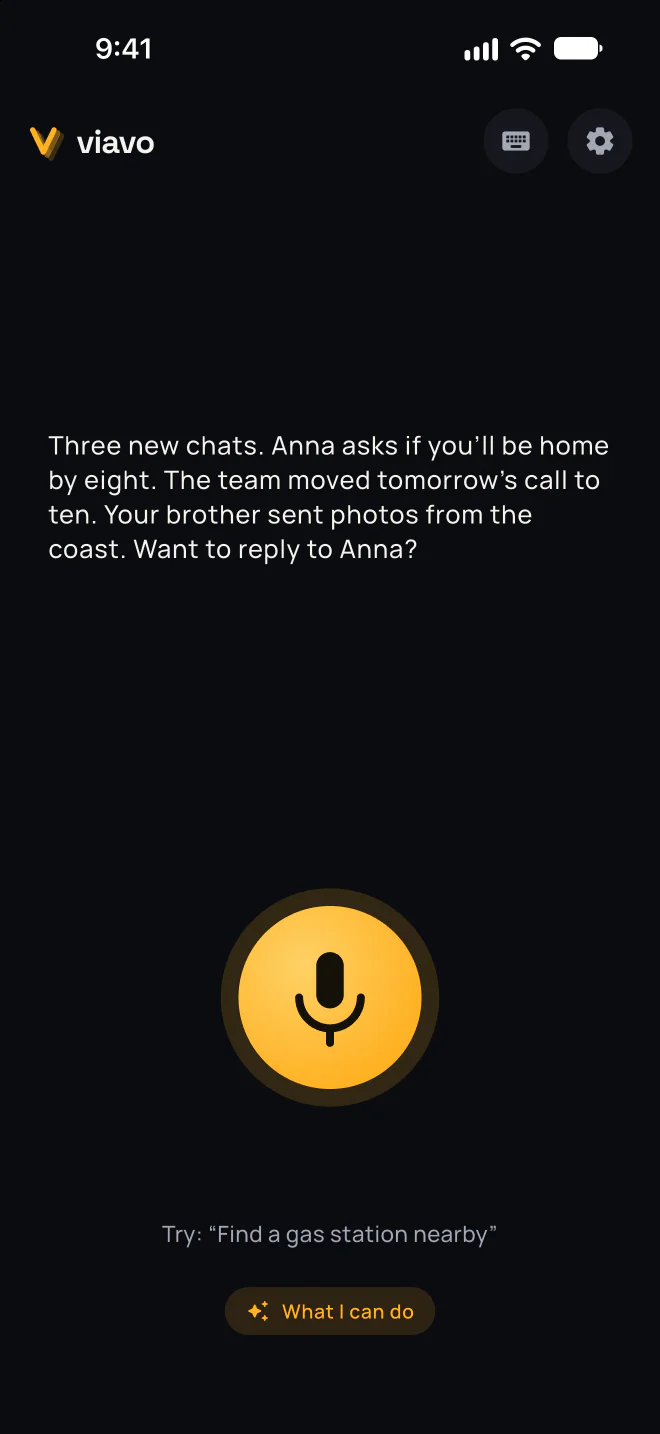
“Will I get to work by nine?”
“Play something for the road”
“Tell Pete I’ll be ten minutes late”
“Take me to my next meeting”
“Open Waze”
Up to six of your own quick commands
And it opens other apps by name.
 Apple Maps
 Google Maps
 Waze
 Apple Music
 Spotify
 YouTube Music
 Amazon Music
 Deezer
 Apple Podcasts
 Simple Radio
 TuneIn
 iHeartRadio
 WhatsApp
 SMS
 Telegram
 Slack
 HomeKit
 Calendar
 Reminders
Siri doesn’t speak it
Download it from the App Store on your iPhone.
Viavo appears on your car’s screen.
One button. Say it the way you’d say it to a person.
ChatGPT and Gemini in CarPlay are built for conversation. Viavo also acts on what you say: it calls a contact, prepares a WhatsApp or SMS message, plays music or a radio station, and from one sentence opens a route with a stop, or a place along the way, in your navigator.
28: Arabic, Chinese (Simplified and Traditional), Croatian, Czech, Dutch, English, French, German, Greek, Hebrew, Hindi, Hungarian, Indonesian, Italian, Japanese, Korean, Polish, Portuguese, Romanian, Russian, Serbian, Spanish, Swedish, Thai, Turkish, Ukrainian and Vietnamese. In each one, the app’s screens and a native voice, a woman’s or a man’s.
No. Viavo is its own app on your CarPlay screen: open it and press one button.
Viavo is made for eyes on the road: one big button, answers out loud, and nothing on the car screen asks you to look at your phone.
No. Press one button and say it the way you’d say it to a person.
Yes, on iPhone: the same one button, and you can also type.
Apple Maps, Google Maps and Waze; Apple Music, Spotify, YouTube Music, Amazon Music, Deezer and Apple Podcasts; Simple Radio, TuneIn and iHeartRadio; WhatsApp, SMS, Telegram and Slack; HomeKit, Calendar and Reminders. It also opens other apps by name.
A new account gets 10 free credits. Viavo Plus, monthly or yearly, starts with a free week. Prices are in the App Store, in your currency.
It’s all in two documents.

A new account gets 10 free credits. Viavo Plus starts with a free week.
Scan with your iPhone Viavo